
Walking Tour Booking Software

Take bookings around the clock, fill every departure, and get paid up front — built for walking tour operators who'd rather lead the tour than chase paperwork.

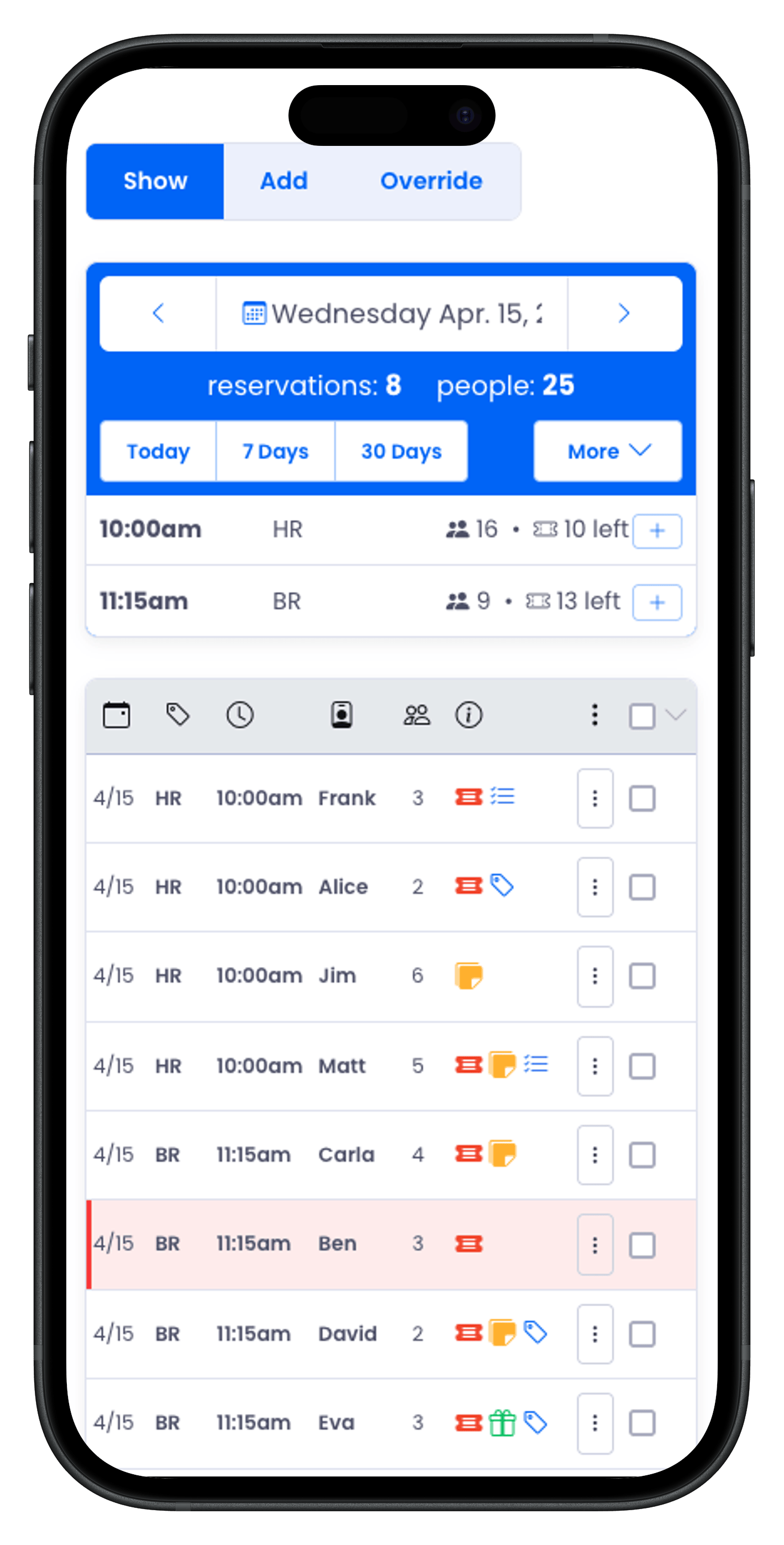
Reservation management on iPhone — bookings on the go
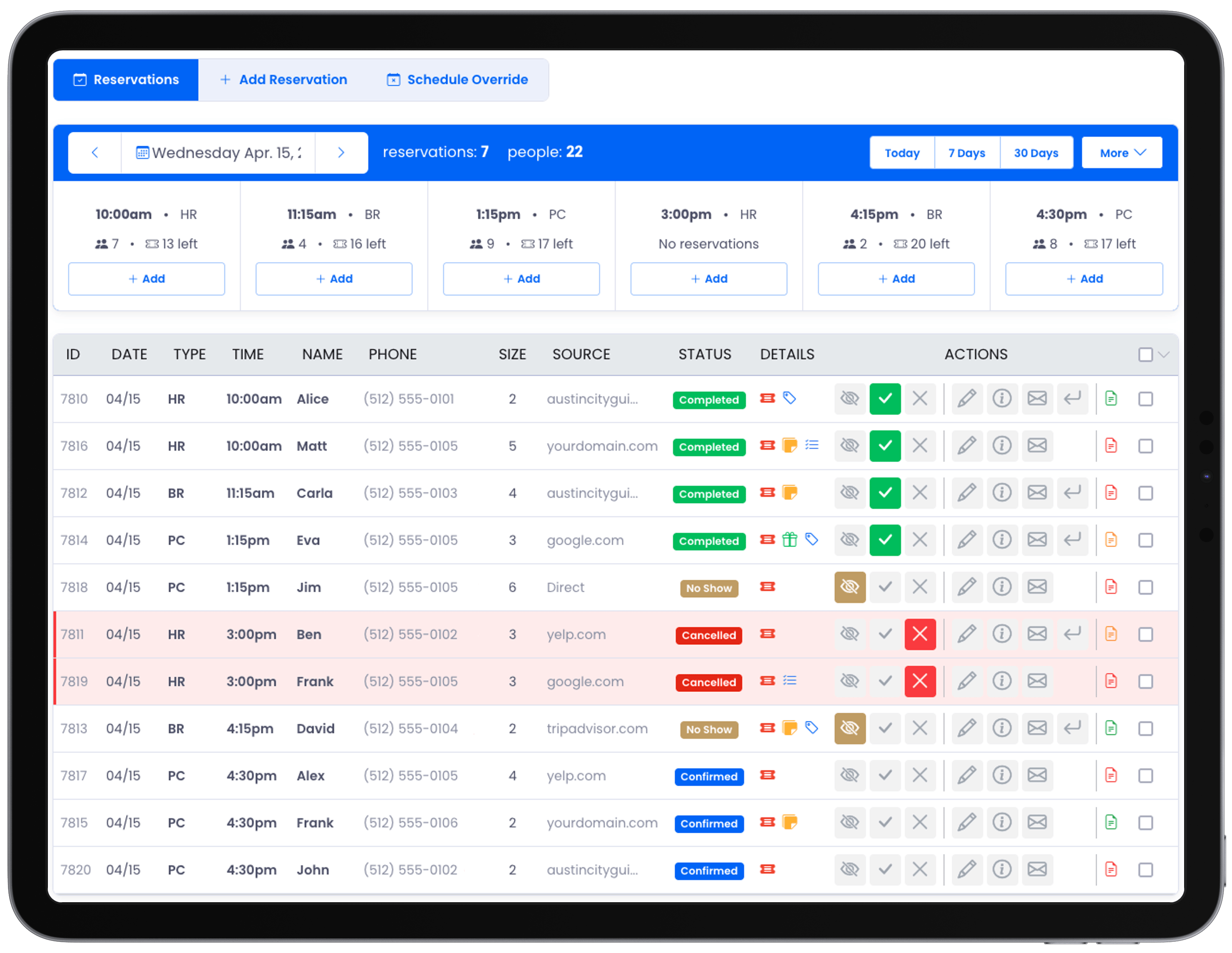
Reservation management on tablet — schedules and bookings
Reservation management on iPhone — bookings on the go

“Between making sure every guest’s waiver is signed before they show up and reshaping a schedule that changes on me almost daily, Reservation Genie keeps me on track.”

Sarah Maples, Texas Capitol City Tours

Texas Capitol City Tours

Sarah Maples

Built for the route

Walking Tour Management Tools

Collect signed waivers automatically, adjust any day's schedule in seconds, and see every departure at a glance — so you can focus on the route and the story, not the paperwork.

Compliance

Digital Waivers, Built Into Every Booking

Guests receive a waiver link automatically when they book. They sign on any device — for themselves, for minors in their party, or both. The drawn signature, signer details, IP address, and the exact waiver text as it appeared are all stored permanently with the reservation.

Every reservation displays a color-coded waiver status — green when everyone's signed, orange if some remain, red if none. You know at a glance before anyone shows up. Need to resend the link? One click from the reservation row.

Auto-sent on booking Minors supported Full audit trail
Patel
Historic District Walk
4
Confirmed
Okafor
Food & History Walk
3
Confirmed
Nguyen
City Walk Tour
2
No Show
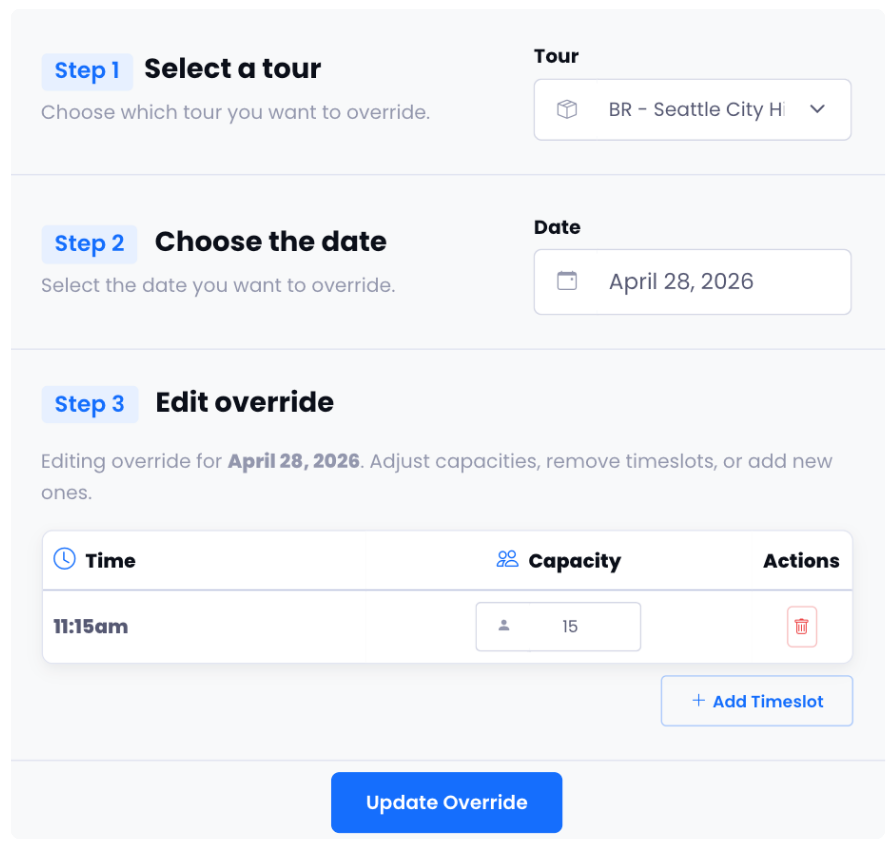
Schedule override editor
Flexibility

Schedule Overrides

Close a timeslot for a private event. Bump capacity for a special day. Add a one-off afternoon tour that isn't part of your usual schedule. Override any timeslot for any date in seconds — without touching your base schedule.

"The fastest way to handle unexpected changes to my daily operations."
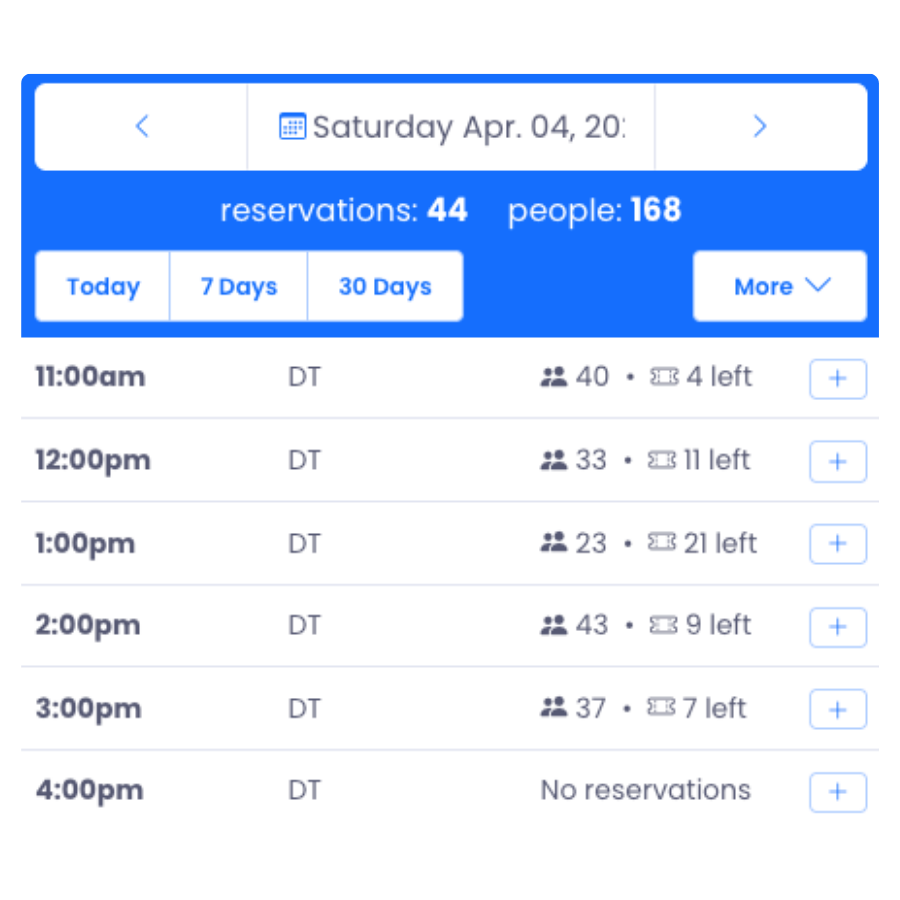
Daily schedule summary
At a glance

Daily Schedule Summary

See every timeslot at a glance — tour name, party count, and spots remaining laid out in a clean grid. Click any slot to filter the reservation table to just those guests. Spot a gap? Hit the quick-add button to fill it without navigating away.

Live capacity Quick-add per slot Click to filter

Frequently asked questions

Reservation Genie is built for tour operators — it handles online bookings, daily departures, per-tour group caps, payments, and automatic guest reminders in one place, so a small team can run a full schedule of walking tours without the back-office busywork.

Yes. Guests browse your available departure times and pay securely online 24/7. You receive an instant booking with payment collected up front, which all but eliminates no-shows on free-to-cancel slots.

Absolutely. Set a per-timeslot capacity so a tour stops selling once it's full — keeping your groups small enough for the guide to be heard and for everyone to keep up on the route.

Use bulk actions to message, reschedule, or refund an entire tour group in one step. Every guest is automatically notified by email and text, so you're not phoning people one at a time when the weather turns.

Yes. Run as many tours as you like — historic district, food-and-history, after-dark, private group — each with its own schedule, price, and capacity, all managed from a single dashboard.

Ready to sell more walking tours?

Fill out the form and a sales rep will show you how Reservation Genie works for your tours. Takes about 30 minutes.